For the complete documentation index, see llms.txt. This page is also available as Markdown.

Zapier

Use Zapier to connect Answering Service Care with external apps and workflows.

Use Zapier as a low-code integration layer for Answering Service Care.

It works well for moving data between ASC and other business systems without custom middleware.

When to use Zapier

Use Zapier when you need simple app-to-app automation.

Common examples:

  • create an ASC To Do from a form or CRM event

  • send ASC data into a spreadsheet or ticketing tool

  • route API responses into follow-up workflows

If ASC needs to push data to your own endpoint, use External API Dispatching through the Oncall Calendar.

The Answering Service Care Zapier app

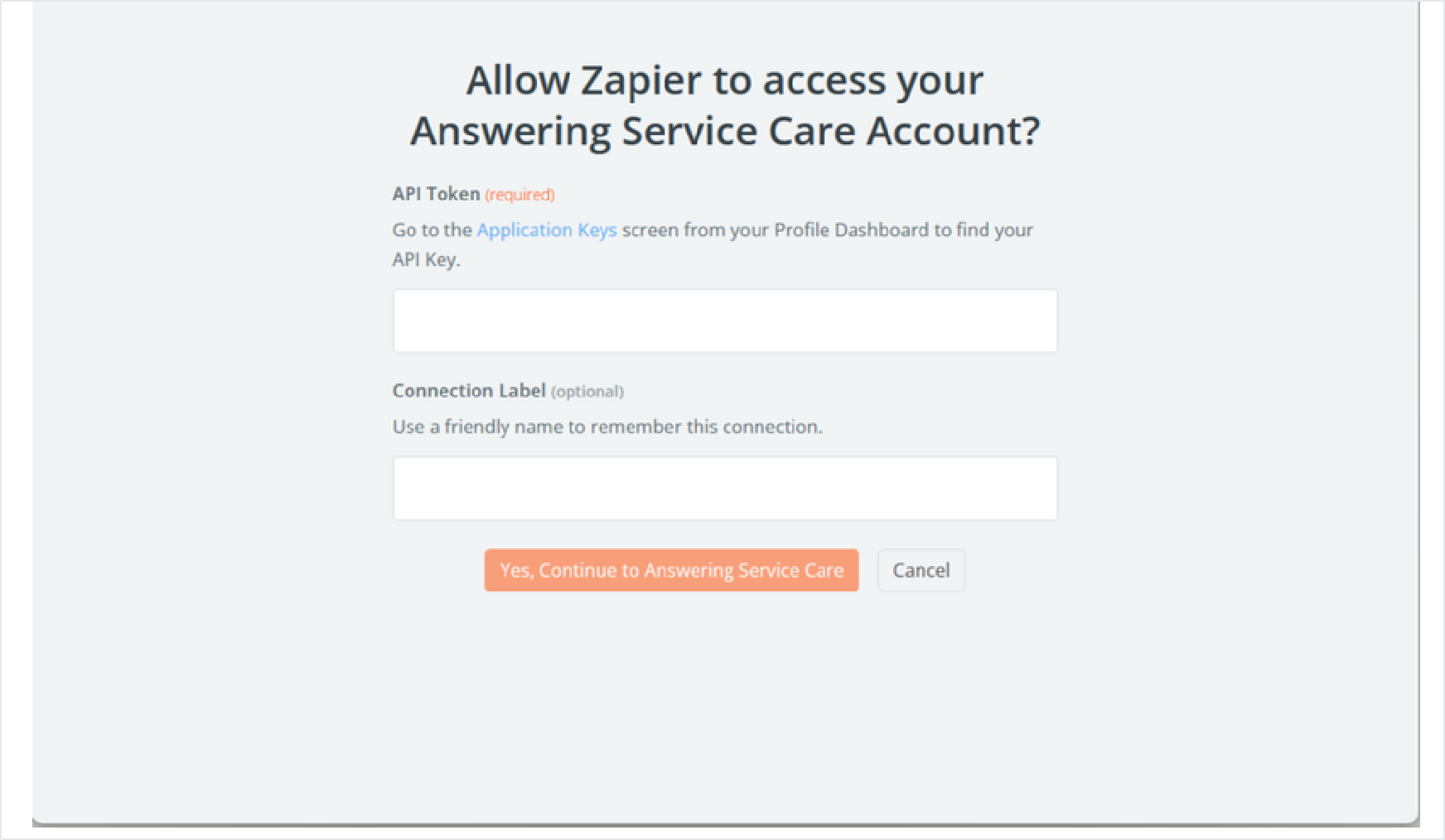
ASC has a native Zapier app, so most workflows need no code. Connect it once with your ASC account, then use its trigger and actions in any Zap.

Type
Name
What it does

Trigger

New Message

Starts a Zap when a new message is created in ASC (instant).

Action

Create Call To-Do

Schedules an outbound call.

Action

Create SMS To-Do

Sends an outbound text.

Action

Create Email To-Do

Sends an outbound email.

Example recipes

When this happens
ASC does this

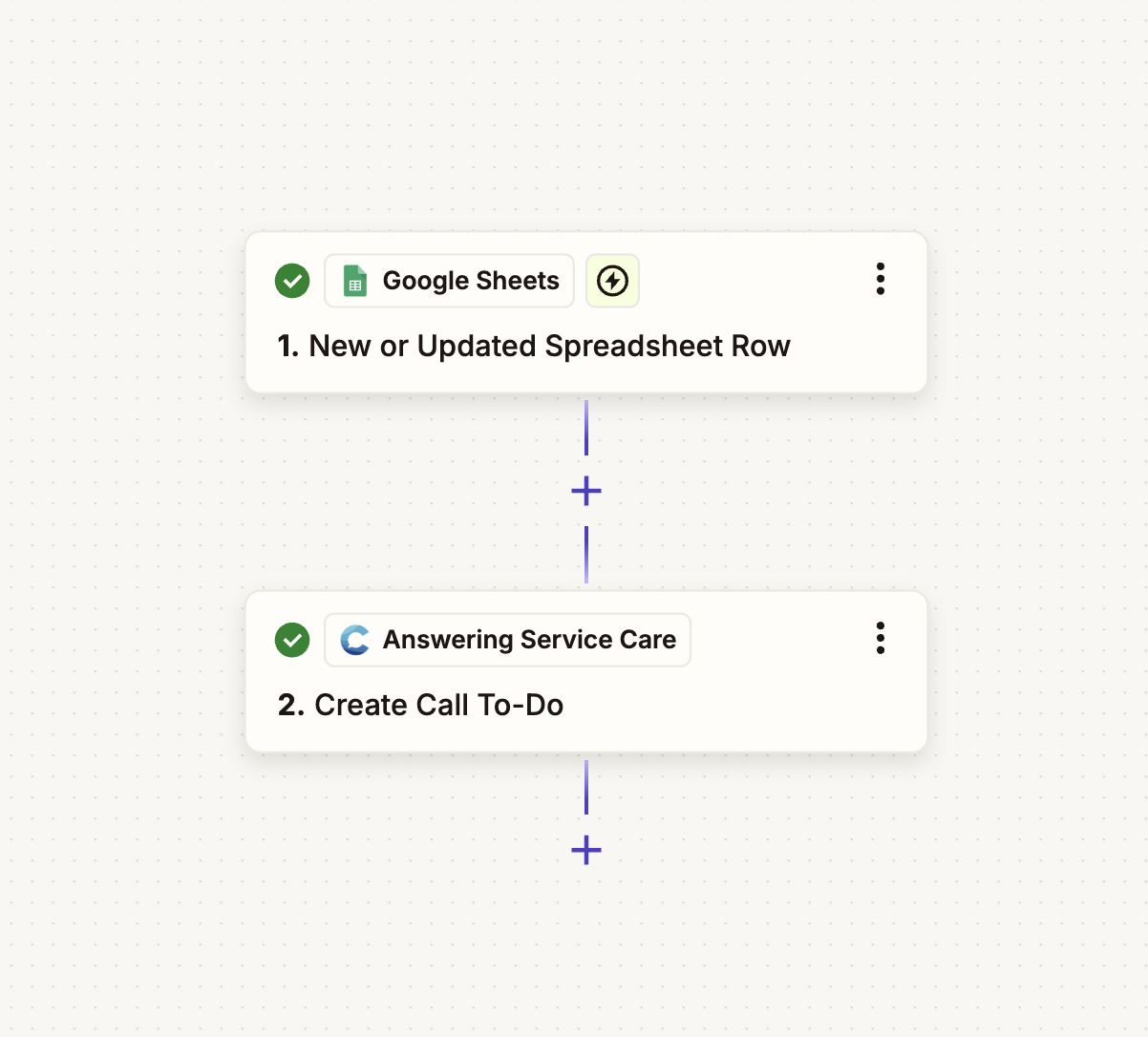
New or updated row in Google Sheets

Create Call To-Do

New Facebook Lead Ads lead

Create Call To-Do

New email in Gmail or Microsoft Outlook

Create Call To-Do

New Zendesk ticket

Create Call To-Do

New inbound email (Email by Zapier)

Create Call To-Do

New Message in ASC

Split by path → Create Email To-Do or Create SMS To-Do

A two-step Zap: a new or updated Google Sheets row triggers Create Call To-Do in Answering Service Care
Example Zap: a new Google Sheets row creates a Call To Do in ASC.
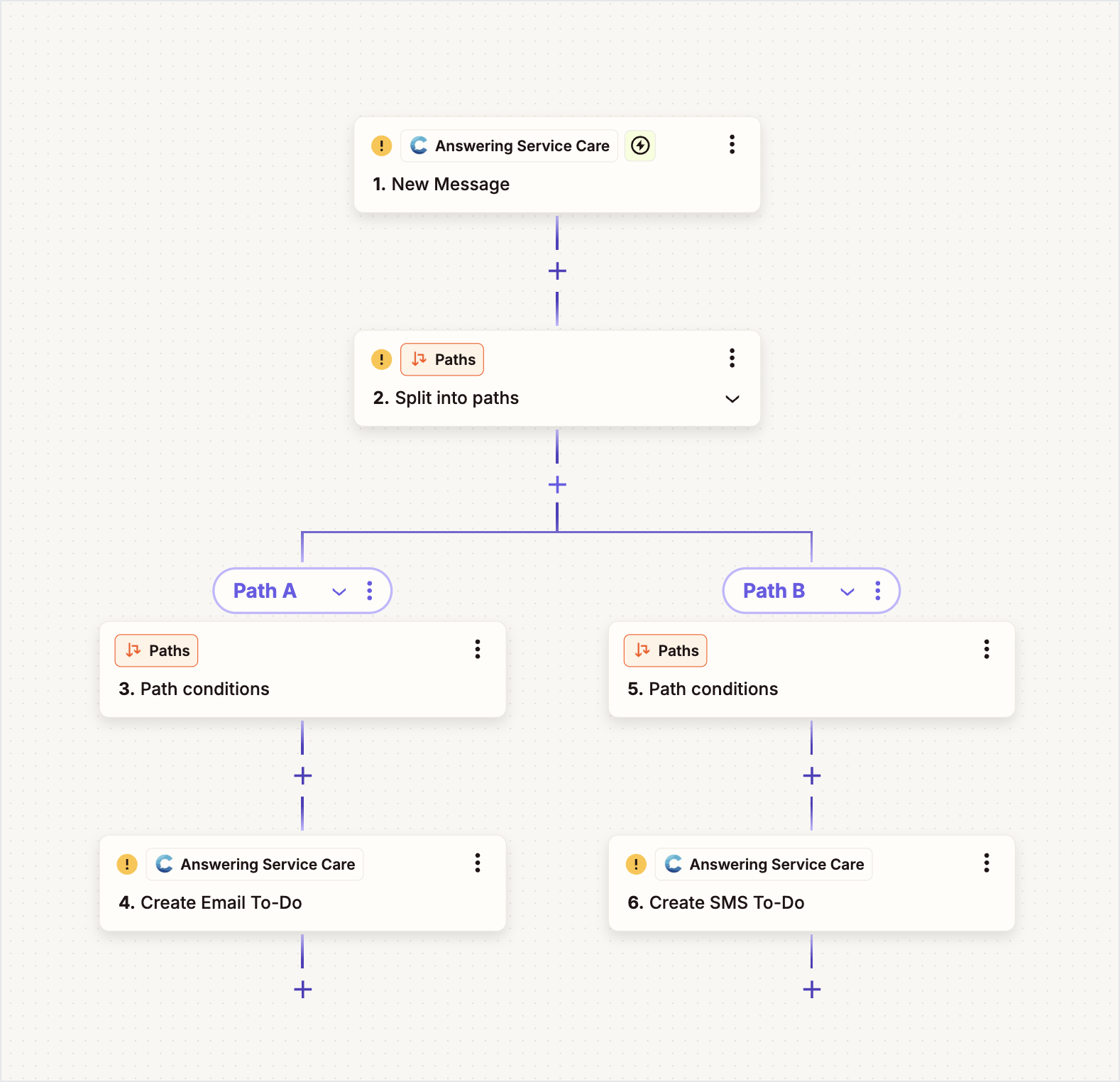
A Zap that splits a new ASC message into paths, creating an Email To-Do on one path and an SMS To-Do on the other
Advanced: split a new ASC message by path into Email or SMS To Dos.

Because these use native actions, you map fields visually in Zapier, no API requests to build by hand.

What you need

Before you build a Zap, gather these items:

  • an ASC API token

  • the target endpoint path

  • the request fields your workflow needs

Use the ASC base URL for all requests:

For authentication and endpoint details, see API Reference.

Advanced: build a Zap with Webhooks by Zapier

Use this approach only for ASC endpoints the native actions do not cover. It calls the ASC API directly.

1

Choose the source event

Start with the app that should trigger the workflow.

This might be a form submission, a CRM update, or a new record in another system.

2

Add a webhook action

Use Webhooks by Zapier for ASC API requests.

Set the request URL to the ASC endpoint you want to call.

Example:

3

Add authentication headers

ASC uses bearer token authentication.

4

Map the payload and test

Map fields from the Zap trigger into the ASC request body.

Run a test request before you publish the Zap.

Confirm the response matches the action you expect.

Common ASC workflows in Zapier

Create outbound follow-up tasks

Use Zapier to create To Dos when another system reaches a specific state.

This is useful for reminders, call-backs, and scheduled outreach.

Relevant endpoint:

  • Create a To Do

Pull ASC data into other systems

Use Zapier webhooks to retrieve messages, call recordings, or task data.

This fits reporting, reconciliation, and light operational syncs.

Relevant references:

  • API Reference

  • Messages

  • To Dos

Payload planning

Keep the request body focused on the fields the ASC endpoint requires.

For To Dos, that usually includes:

  • account_number

  • delivery_type

  • contact

  • message_text

  • schedule

Map source values carefully.

That helps avoid validation errors and bad downstream dispatches.

Zapier is best for lightweight orchestration.

For complex transformation, strict retry control, or internal middleware rules, use a direct integration instead.

Troubleshooting

If a Zap fails, check these items first:

  • the full ASC endpoint URL

  • the bearer token value

  • the JSON body shape

Also log the HTTP status code and response body.

That makes auth and validation issues much easier to fix.

Last updated

Was this helpful?