> For the complete documentation index, see [llms.txt](https://answeringservicecare.com/docs/llms.txt). Markdown versions of documentation pages are available by appending `.md` to page URLs; this page is available as [Markdown](https://answeringservicecare.com/docs/overview/answering-modes.md).
# Live, AI & Hybrid Answering
Choose how ASC answers your calls: live U.S.-based agents, an AI assistant, or a hybrid of both, available 24/7.
ASC gives you three flexible ways to cover calls, so you can match support to your business, budget, and caller needs.
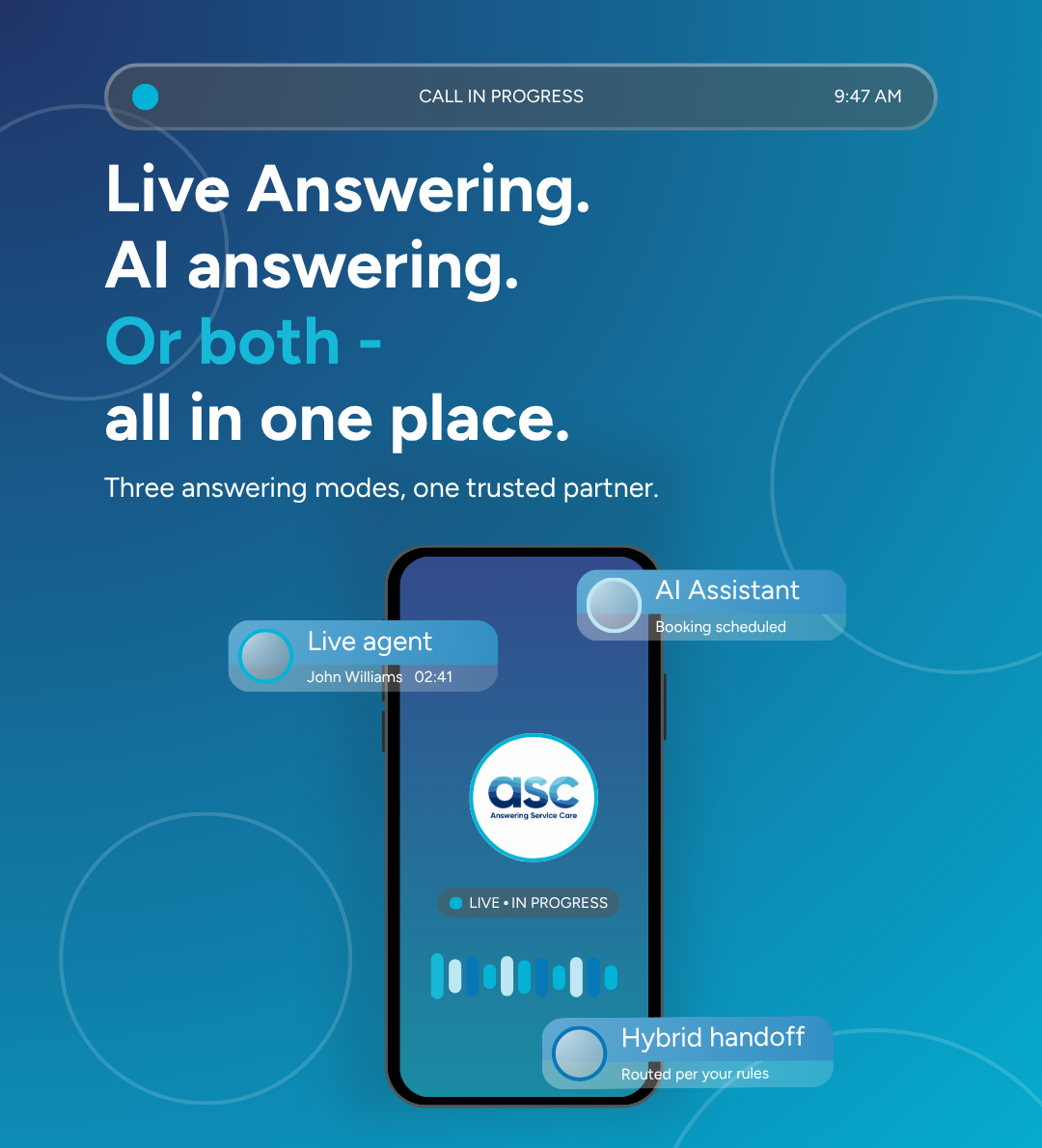
Live, AI, or hybrid, three answering modes in one place.
### The three modes
{% columns %}
{% column %}
#### Live answering
Professional, US-based live agents answer your calls, follow your script, capture messages, transfer calls, and escalate based on your instructions.
{% endcolumn %}
{% column %}
#### AI answering
A multilingual AI assistant answers calls, captures messages, transfers calls, uses your personalized greetings, and can set appointments. It escalates to a live agent 24/7 when a call needs a person.
{% endcolumn %}
{% endcolumns %}
#### Hybrid (both)
Run AI and live answering together. The AI handles routine calls and hands off to a live agent through **24/7 human escalation**, routed by your rules, so the routine is automated and everything else reaches a person.
### What's included across modes
All plans include the ASC web and mobile app, email and SMS notifications, secure messaging, personalized greetings, and usage reporting. Higher tiers add call recording, a dedicated account manager, integrations, and appointment setting. Live chat is available as an add-on.
### Choosing a mode
* **Live** when every call should reach a trained agent.
* **AI** for high-volume, routine call handling, with multilingual support.
* **Hybrid** to automate the routine and escalate the rest to a live agent.
### Plans
Each mode is offered in Starter, Small Business, Pro, and Enterprise plans, billed monthly or annually (annual plans save up to 10%), with no long-term contracts on standard plans. The Enterprise plan adds a dedicated account manager and a free integration. See Plans and pricing for the tiers, or the live [pricing page](https://answeringservicecare.com/pricing) for current rates.
Your active mode and routing rules are configured with your implementation specialist. See the Implementation checklist to get set up.
---
# Agent Instructions
This documentation is published with GitBook. GitBook is the documentation platform designed so that both humans and AI agents can read, navigate, and reason over technical content effectively. Learn more at gitbook.com.
## Querying This Documentation
If you need additional information that is not directly available in this page, you can query the documentation by asking a question.
Perform an HTTP GET request on the following URL with the `ask` and `goal` query parameters:
```
GET https://answeringservicecare.com/docs/overview/answering-modes.md?ask=&goal=
```
`ask` is the immediate question: it should be specific, self-contained, and written in natural language.
`goal` is what the user is ultimately trying to achieve, the reason they need the answer. Sharing it helps GitBook give you a better, more relevant answer. A goal is most helpful when it describes the outcome the user wants rather than restating the question. For example, with `ask=how do I create an API token`, a goal like `automate deployments from our CI pipeline` lets GitBook tailor the answer to that use case.
The response will contain a direct answer to the question and relevant excerpts and sources from the documentation.
Use this mechanism when the answer is not explicitly present in the current page, you need clarification or additional context, or you want to retrieve related documentation sections.